


 New Folder

Capture
Start writing without building a database first.
Fold gives each folder a reusable set of fields, with an open writing area in every note. Capture ideas quickly now, then find the important details later.
Describe the folder and Fold will suggest fields.

6 fields
Why Fold
A blank note is easy to start, but important details can disappear inside a long page. A database can organize those details, but it takes work to set up and maintain. Fold sits in the useful middle.
Start writing without building a database first.
See the same kinds of details in the same place across a folder.
Search folder names, field labels and values, tags, checklists, and writing—not only titles.
How it works
Choose the fields for a folder once. Fold uses them when you write, browse, sort, and search, while every note keeps an open space for anything that does not fit a field.
Start with a template, add your own fields, or ask Fold to suggest a set for you to review.
Describe the folder and Fold will suggest fields.
6 fields
Fold searches folder names, field labels and values, tags, checklist text, and open writing, then shows the strongest matches together.
 12 notes 0 notes
 5 notes
 0 notes
Books to Read
Books to Read
Cars
Cars
Books to Read
Pantry
Sort, filter, and recognize the details that matter because each note shares a familiar shape.
$26,000 · 2026-03-22 · Edited 1 min. ago
$42,800 · Edited 1 min. ago
$31,900 · Edited 1 min. ago
$27,500 · Edited 1 min. ago
$24,500 · 2026-03-15 · Edited 1 min. ago
$38,700 · Edited just now
Add text, numbers, links, dates, images, checkboxes, toggles, or ratings. Turn on checklist mode when the whole folder is built around tasks.
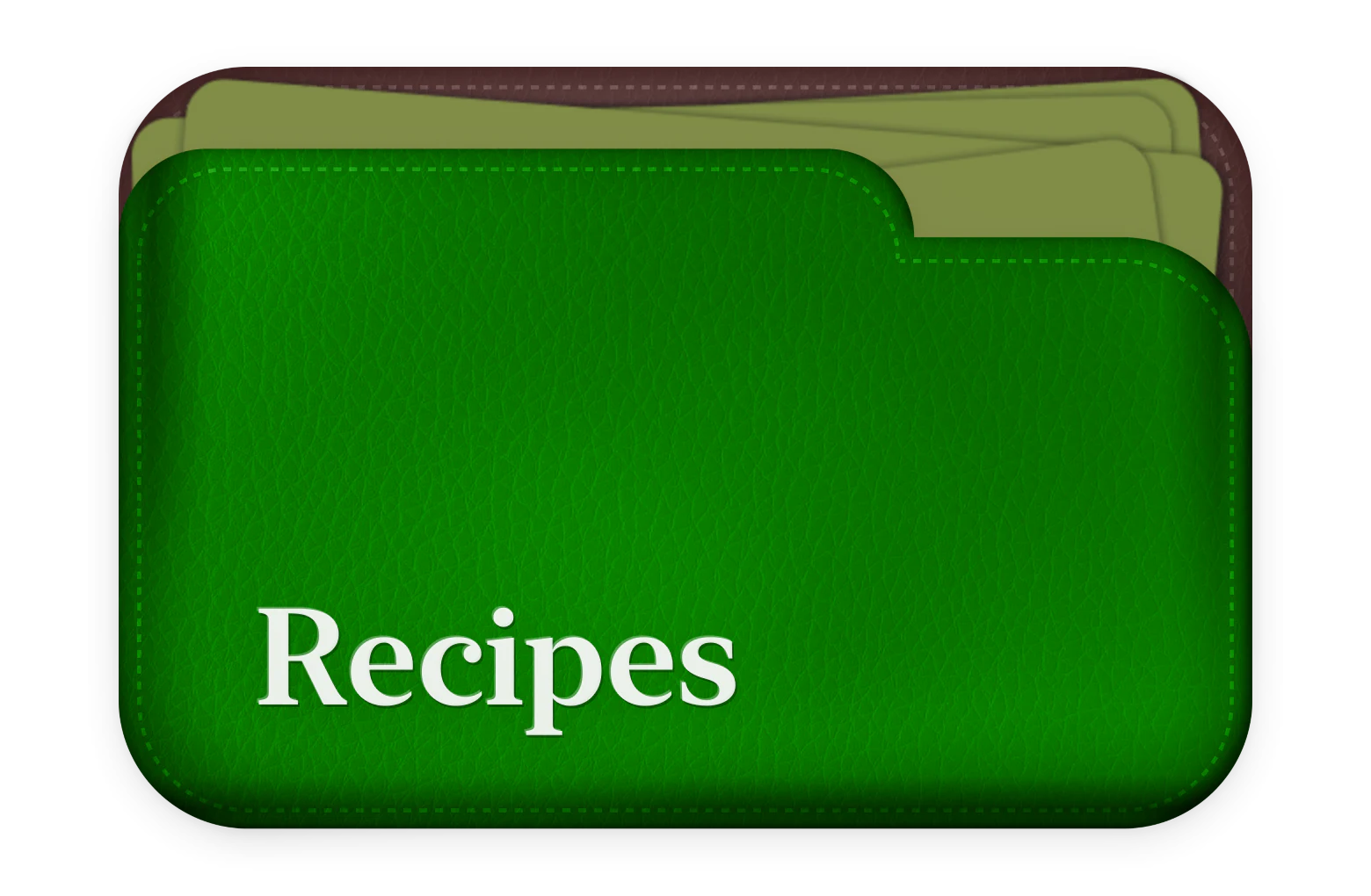
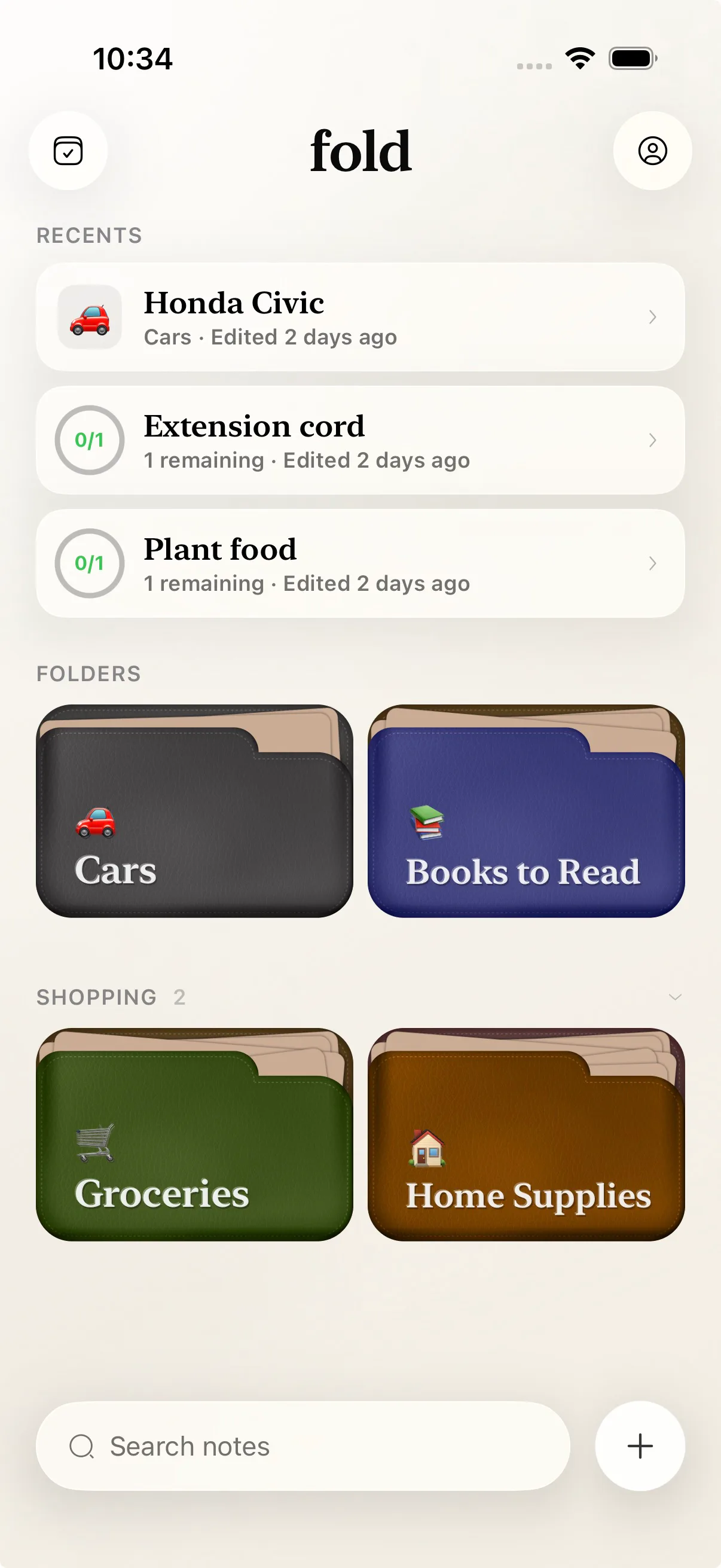
Visual folders on Home. Structured detail and open writing inside every note.

A lightweight system
The structure stays inside the folder instead of becoming a separate project. The same small set of fields helps you write, browse, sort, and find what matters.
A Books folder can include Author and Rating. A Cars folder can include Price and Test Drive. Choose those fields once, and each new note begins with them ready.
Explore the behavior →As a folder grows, filter drafts, pinned notes, and enhanced notes without building a separate dashboard.
Explore the behavior →$26,000 · 2026-03-22 · Edited 1 min. ago
$42,800 · Edited 1 min. ago
$31,900 · Edited 1 min. ago
$27,500 · Edited 1 min. ago
$24,500 · 2026-03-15 · Edited 1 min. ago
$38,700 · Edited just now
Fold searches titles, folder names, field labels and values, checklist text, tags, and open writing. It ranks matching notes and folders together.
Explore the behavior → 12 notes 0 notes 5 notes 0 notes Books to Read
Books to Read
Cars
Cars
Books to Read
Pantry
The useful middle
Compare how it feels to set up, write, browse, and search. Fold adds a reusable set of fields without asking you to maintain a full workspace.
Describe the folder and Fold will suggest fields.
6 fields
OthersA general workspace can organize the same details, but its properties, views, and templates add more choices to set up and maintain.
FoldFold turns repeated details into reusable fields and keeps the rest of the note open for writing.
OthersA blank note captures quickly, but author, rating, date, and takeaway become prose you have to decode later.
FoldField values stay above the open writing area, so the useful facts and the full thought remain together.
$26,000 · 2026-03-22 · Edited 1 min. ago
$42,800 · Edited 1 min. ago
$31,900 · Edited 1 min. ago
$27,500 · Edited 1 min. ago
$24,500 · 2026-03-15 · Edited 1 min. ago
$38,700 · Edited just now
OthersA clean card grid is easy to start, but its labels and colors carry less meaning as the collection grows.
FoldConsistent rows and simple filters make a folder easier to scan without requiring a separate dashboard.
12 notes 0 notes 5 notes 0 notes Books to Read
Books to Read
Cars
Cars
Books to Read
Pantry
OthersTitle-only search works when you remember the title. Searching the rest of a note helps when the detail is somewhere else.
FoldFold searches folder names, field labels and values, tags, checklist text, and writing, then shows the matching context.
Ways to use Fold
Start with a category you already return to. Give it the details that matter, then keep the rest of the note open.
Keep the author, rating, and finish date visible, with room underneath for quotes and your own thoughts.
Keep prep time, source, and rating consistent while leaving space for substitutions and what you would change next time.
Keep the client, deadline, rate, and follow-up date easy to scan, with the full meeting notes in the same place.
Compare price, mileage, link, and test-drive notes without squeezing the decision into a spreadsheet.
Track status, dates, and links while keeping the rough thinking that does not belong in a field.
Keep places, dates, booking links, and costs together, with an open page for the parts of the trip you want to remember.
Your notes begin on your device
Local by default. Start writing without creating an account.
Under your control. Create encrypted backups and exports, then choose where to store them.
AI only when you choose it. Use on-device Apple Intelligence when available, or connect a cloud provider and review what will be sent.
For notes you plan to use again
Start with one category you already repeat. See what becomes easier to capture, compare, and find.
A look ahead · Future Fold update
A thought to save. A list to make. One less thing to remember. We’re bringing notes and checklists into the conversation with Siri AI.
Only on iOS 27 or later with Siri AINotes, in your own words
The plan: ask Siri AI to create a note, add a thought to an existing one, or update its writing. Keep it in Quick Notes or choose the folder where it belongs.
Illustrative demo
Example request: Siri, add to my reading note: take one idea per note, in your own words. Link it forward to where it will be useful.
Added to your reading note
Take one idea per note, in your own words. Link it forward to where it will be useful.
Example result: Take one idea per note, in your own words. Link it forward to where it will be useful.
A little more to say? “Add that I want to try this for my next project.”
Checklists that keep up
We’re working on turning a spoken list into separate items, adding to an existing checklist, and checking off or removing items by name.
Illustrative demo
Example request: Siri, add tomatoes, bread, and eggs to Weekly groceries in Fold.
3 items added to Weekly groceries
Example result: Rice and olive oil remain, with tomatoes, bread, and eggs added as separate checklist items.
Already picked it up? “Mark milk as done in Weekly groceries.”
The integration is being designed around the way Fold works: choose a folder, find the right note, and tell Siri AI what you want to change. Folder creation and note pinning are part of the plan, too.
In development for a future Fold update, available only on iOS 27 or later with Siri AI. Animated examples illustrate planned flows in Fold. Final actions and device availability will be confirmed with the release.